Photo gallery
Going to close my computer and enjoy my life for a bit this evening.
A website about technology and life.
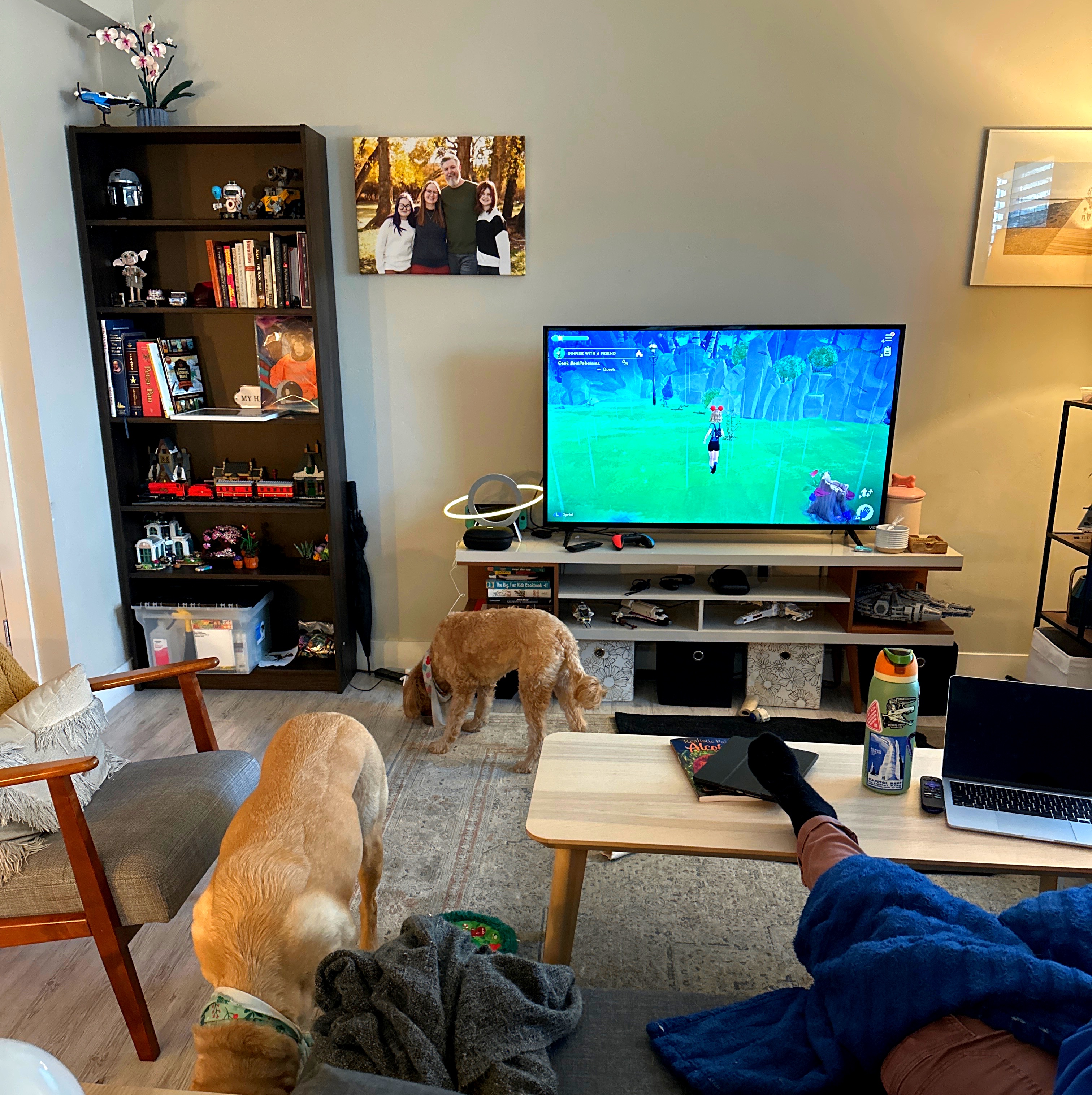
Going to close my computer and enjoy my life for a bit this evening.

This may well be the very bestest girl on the planet.

Guess who was able to fix photo editing on their lunch break in PADD for iOS?? =D
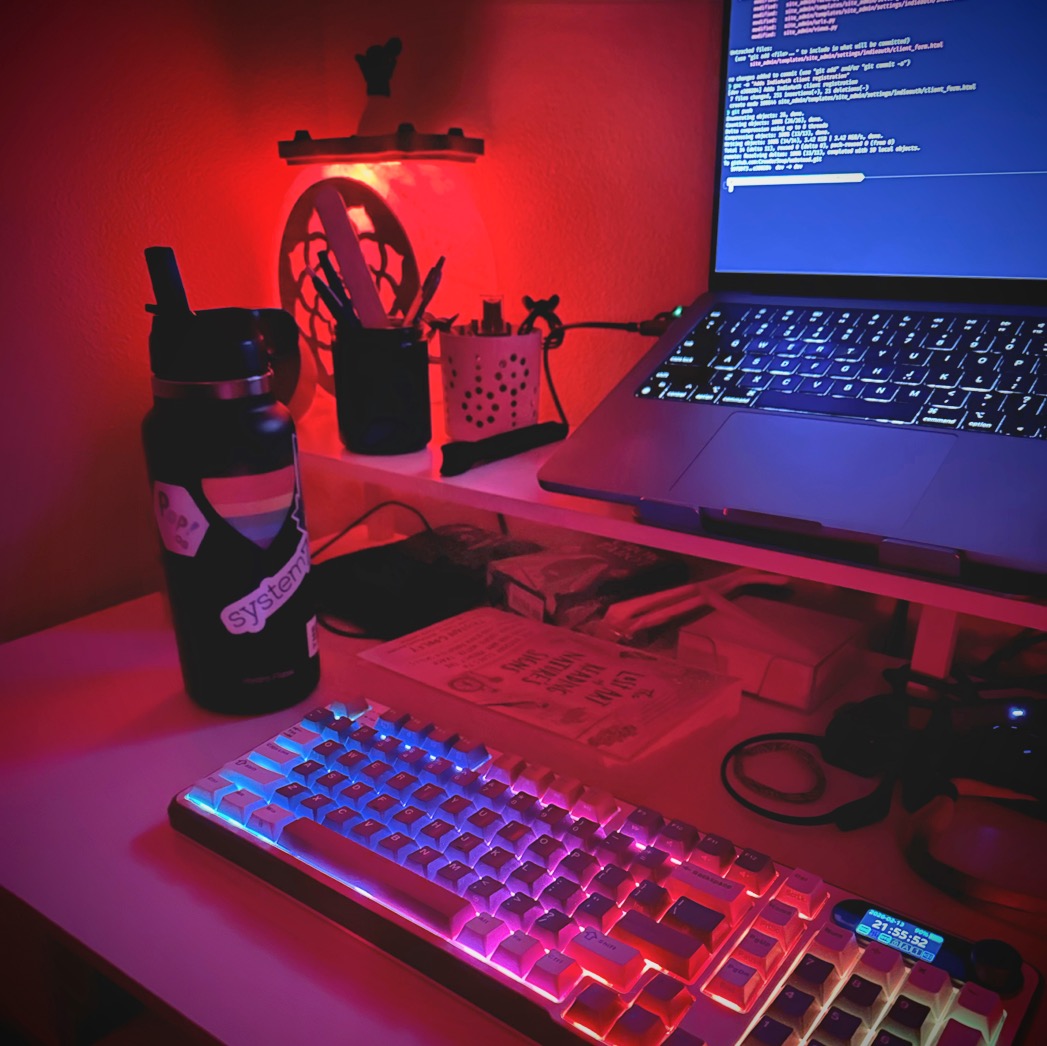
Last night I had a lot of fun hacking and building. I meant to post this picture but oh well, you can enjoy it today!
POV: your partner isn’t feeling well so you’re up late hacking on a Friday
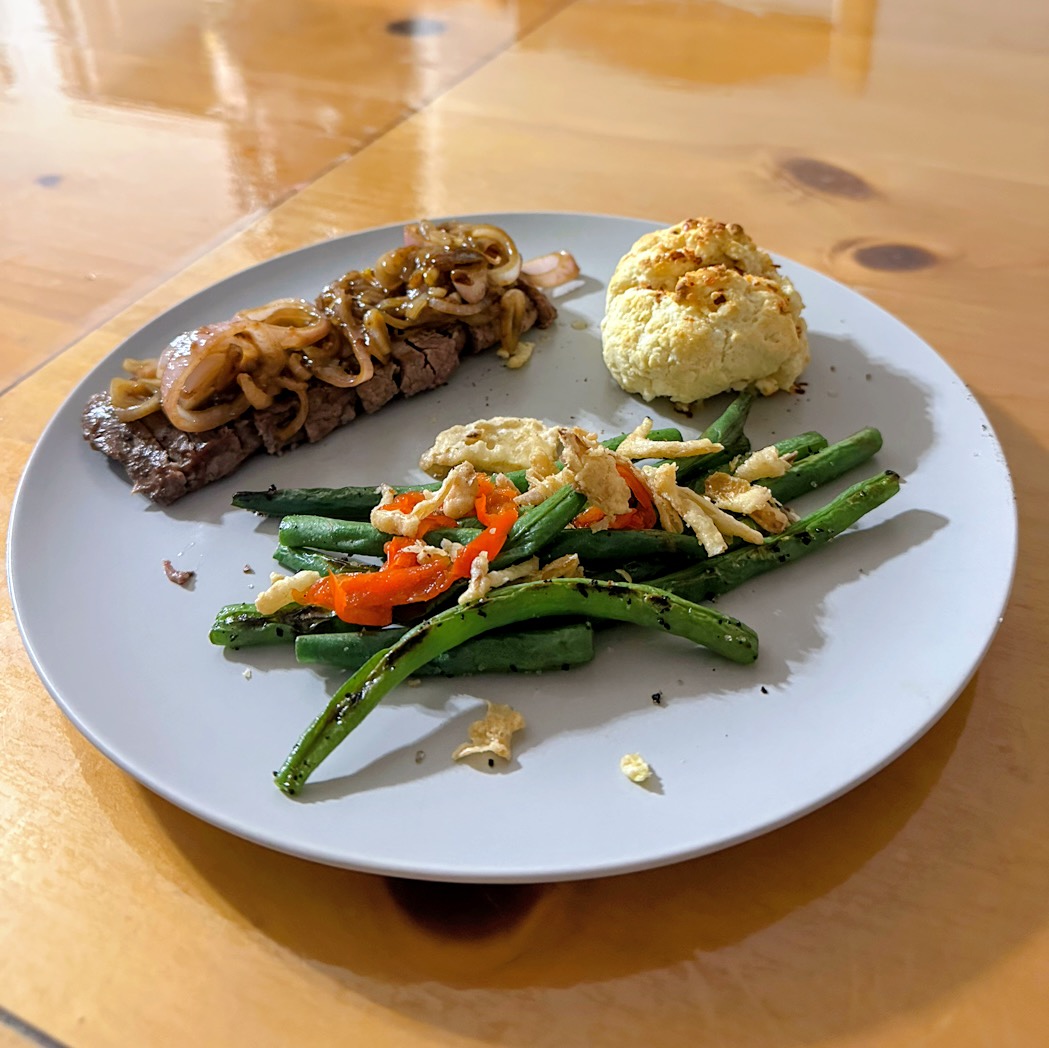
Starting date night off strong with homemade steaks, green beans, and hot honey biscuits 🤤
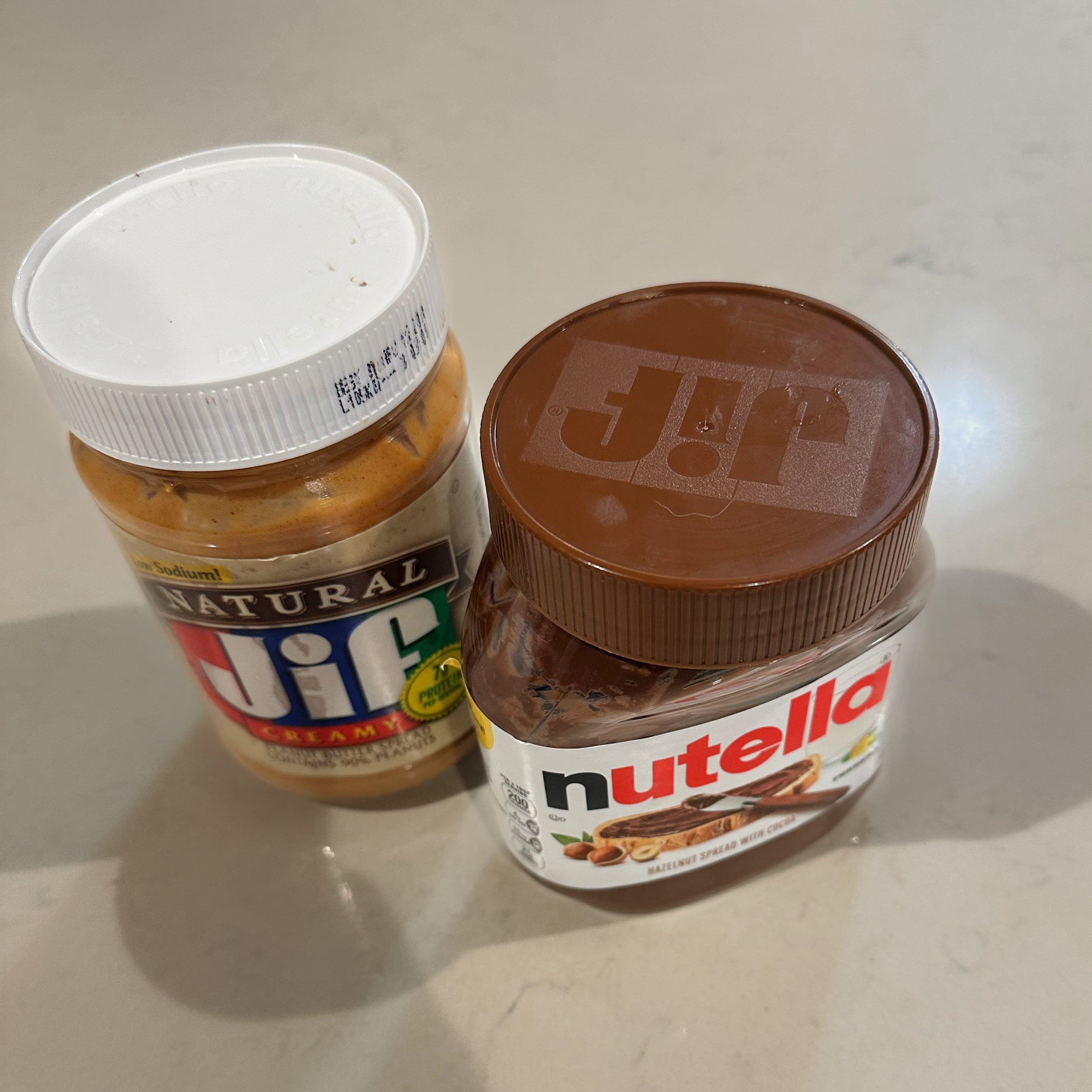
Just ADHD things…
I somehow managed to put the Jif Peanut butter lid on the Nutella and the Nutella lid on the Jif and put them both away 😂

Ice cream date night in the car with my love Azure
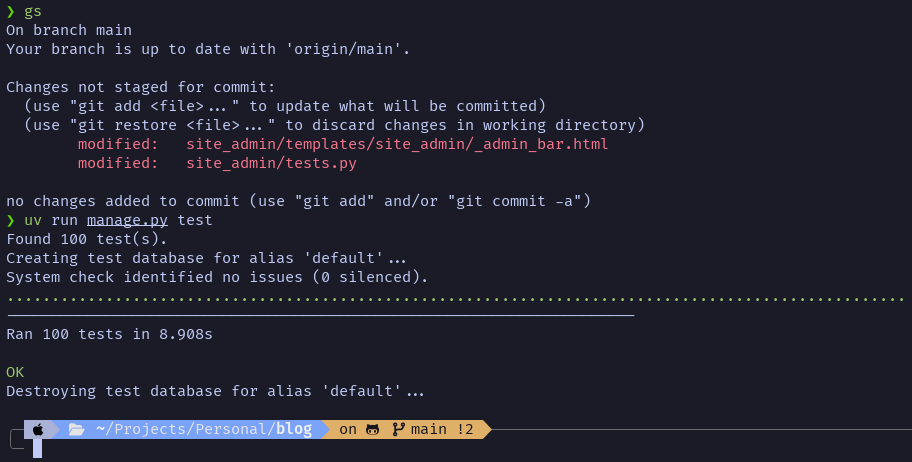
And just like that, one bug fixed, one test case created, and we have the 100th unit test for the software powering this blog 🎉
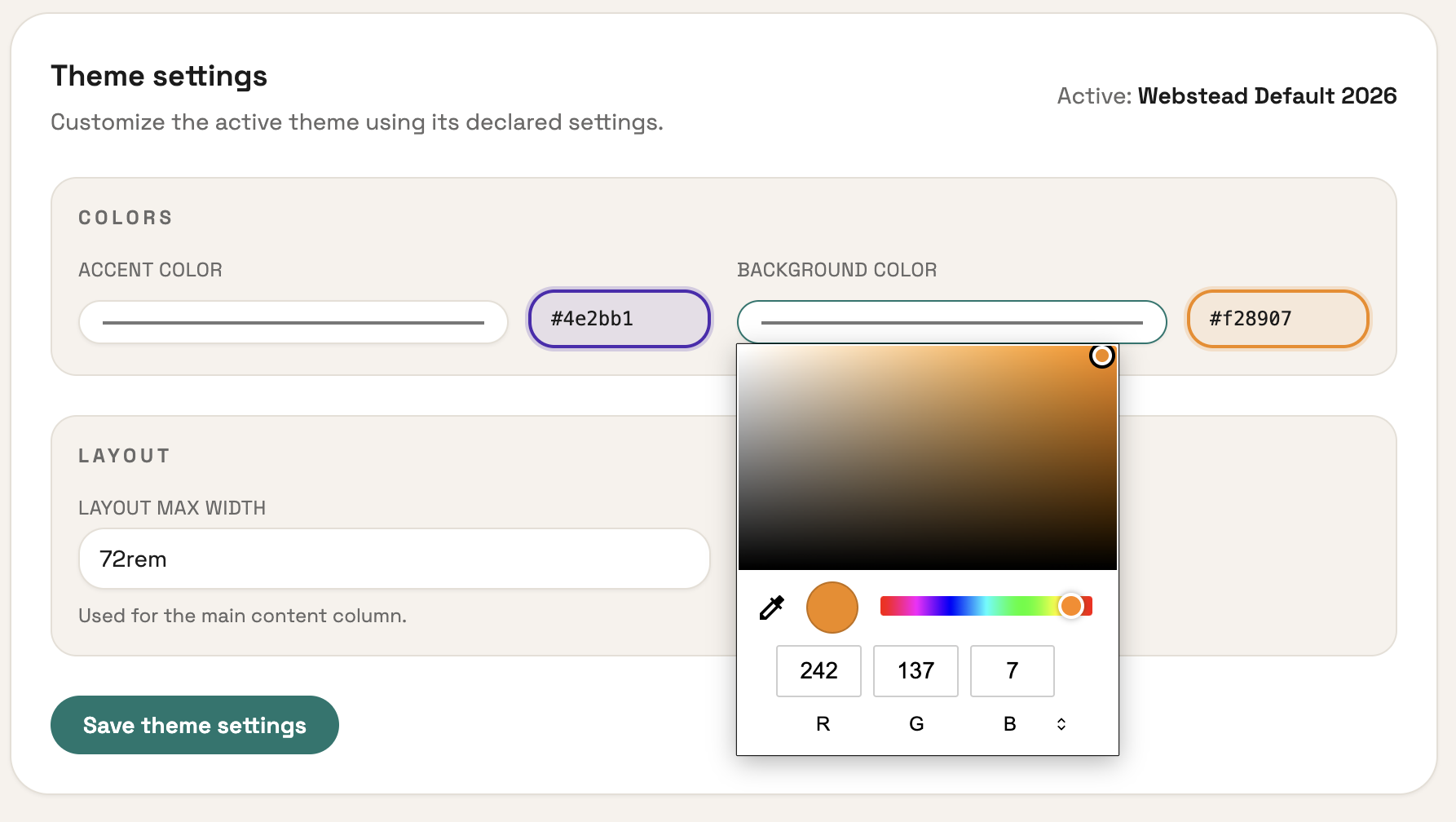
I'm implementing custom theme settings! This is something I had the idea for late one night last week. You define the settings you want in your theme's theme.json like this:
{
  ...
  "settings": {
    "fields": {
      "accent_color": {
        "type": "color",
        "label": "Accent color",
        "default": "#cc3f2e"
      },
      "background_color": {
        "type": "color",
        "label": "Background color",
        "default": "#f8f4ef"
      },
      "max_width": {
        "type": "string",
        "label": "Layout max width",
        "default": "72rem",
        "help": "Used for the main content column."
      }
    },
    "groups": [
      {
        "label": "Colors",
        "fields": ["accent_color", "background_color"]
      },
      {
        "label": "Layout",
        "fields": ["max_width"]
      }
    ]
  }
}
The result is the UI you see above! Then they can be used your theme like this:
<style>
    :root {
        --accent: {{ theme.settings.accent_color|default:"#cc3f2e" }};
        --bg: {{ theme.settings.background_color|default:"#f8f4ef" }};
    }
</style>
This seems like a small feature but it gives users and theme devs a ton of flexibility! I'm exicted to someday see how people use it.