Photo gallery
I added some filtering in PADD and my microsub server. Now its way easier to scroll blogs!
A website about technology and life.

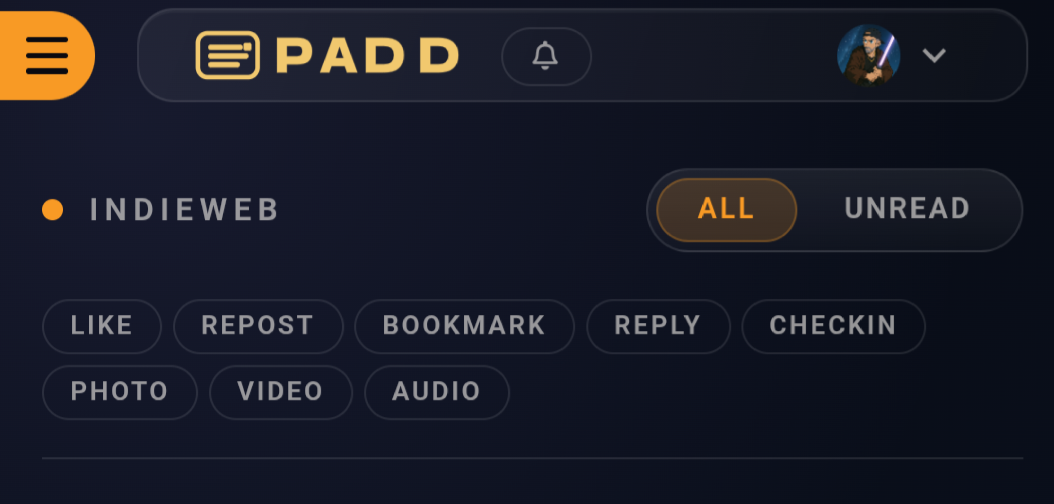
I added some filtering in PADD and my microsub server. Now its way easier to scroll blogs!
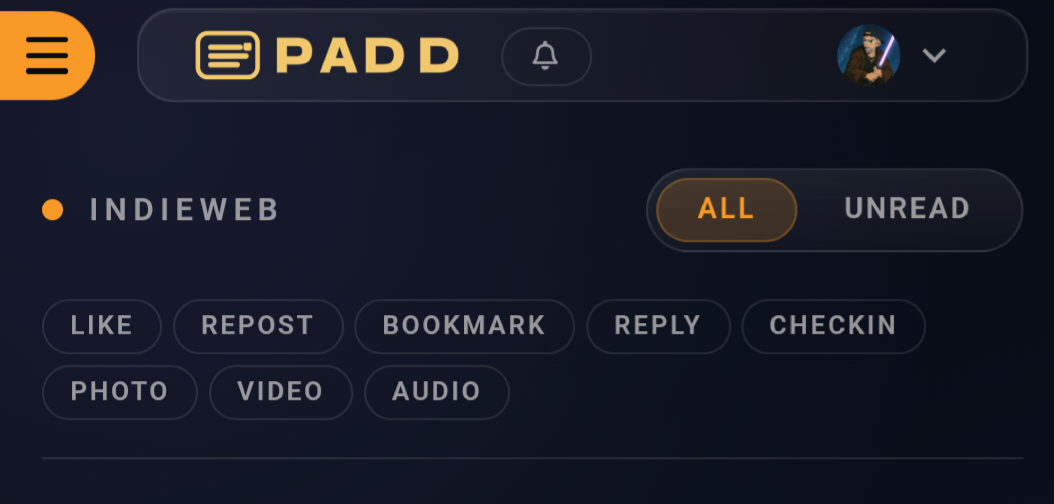
I added some filtering in PADD and my microsub server. Now its way easier to scroll blogs!
The post editing interface on PADD is definitely better on mobile now. One problem still bugging me is that my phone keyboard doesn't automatically capitalize correctly in this input.
Oh well, thankfully it's not too annoying to capitalize myself 😆
Checked in at Updated PADD Post Editing interface
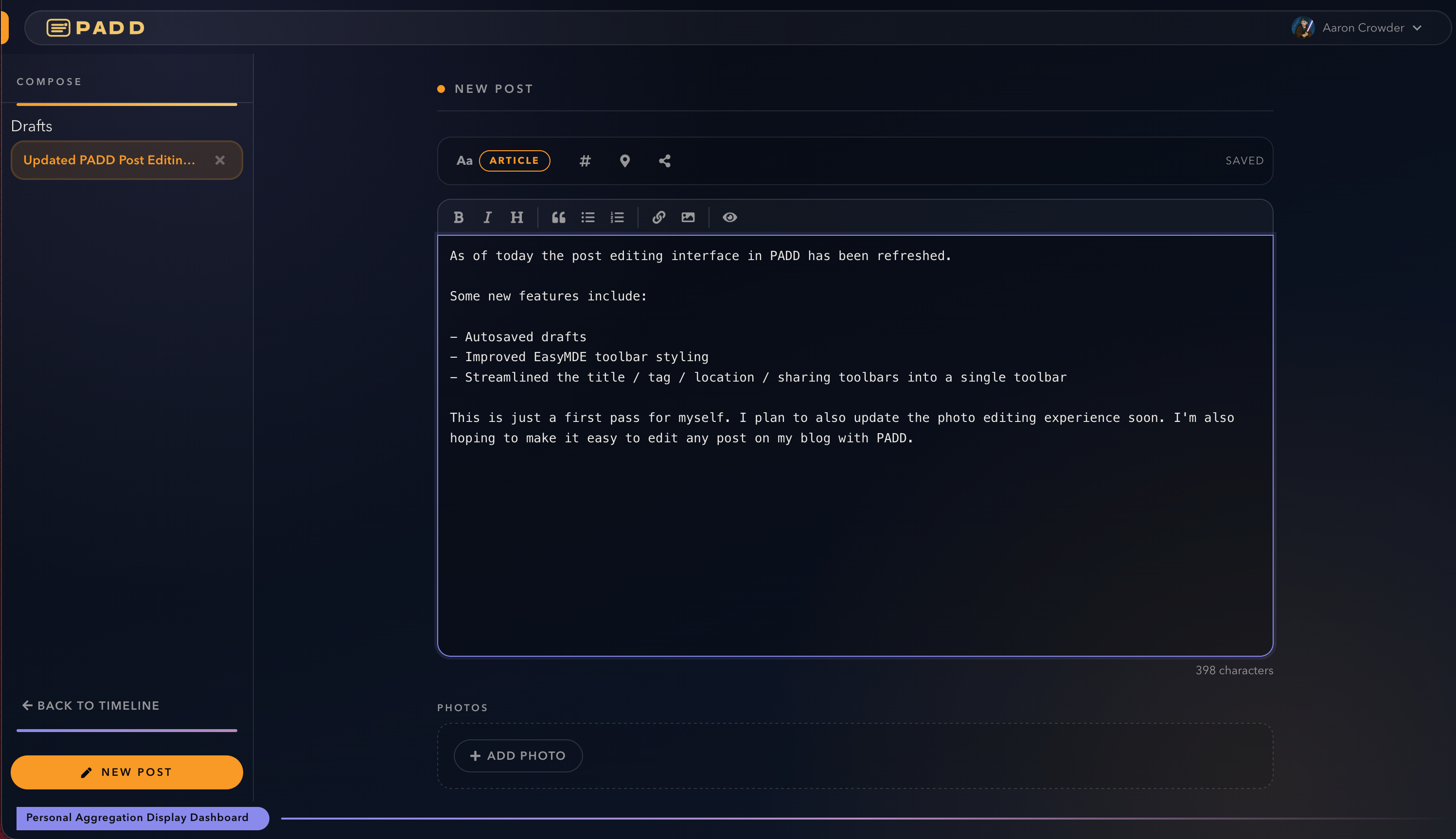
As of today the post editing interface in PADD has been refreshed.
Some new features include:
This is just a first pass for myself. I plan to also update the photo editing experience soon. I'm also hoping to make it easy to edit any post on my blog with PADD.
EDIT: Post editing is also now available in PADD!
I've been scoping out some work for PADD and webstead to hopefully make them easier to use to share the things I'm currently interested in sharing.
If you follow my insta you've seen a lot of workouts. I hope that soon you'll start seeing them on my blog via a Strava integration.
I'm also going to be adding better support to PADD for post editing. This is a gap that I hope makes it much more useful to me in the long run.
If you've been following my blog and the things I’ve been building you might have been wondering the last few days where I've been.
Honestly I’ve been building so fast on so many things for a while now that I kinda forgot how to be a human. I went from working at a startup to not and ended up building an entire IndieWeb publishing platform for myself.
PADD and Webstead are fairly feature rich and stable. Gardn is really close and taking shape to be a great tool for link gardens.
I'm realizing that I actually need to just start using these tools. So this is me using PADD!
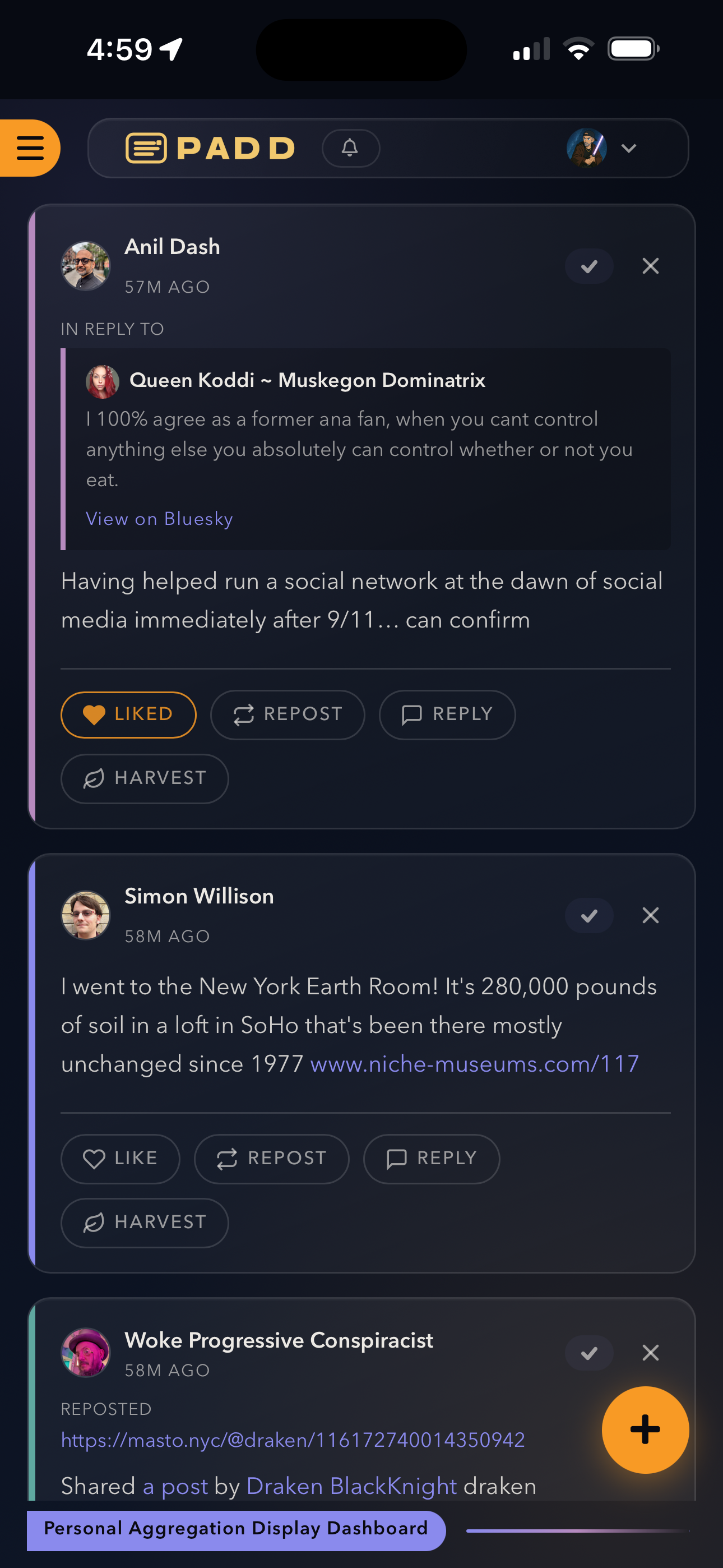
I used https://granary.io/ to turn my Bluesky and Mastodon into feeds I could subscribe to. Now I can follow and reply to all you nerds from my own damn website!
Welcome to the #IndieWeb, I guess.
If you spend any time in the IndieWeb community, you've probably heard of feed readers; tools that let you follow blogs and websites without being beholden to any single platform. PADD (Personal Aggregation Display Dashboard) is one such reader, built by me with the IndieWeb philosophy at its core. I've been using it daily and wanted to walk through everything it offers. What Is PADD? PADD is a Microsub-compatible feed reader and social reader. The name says it all: it's a personal aggregati...
Read more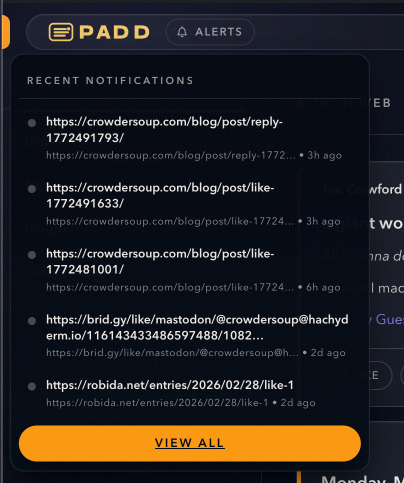
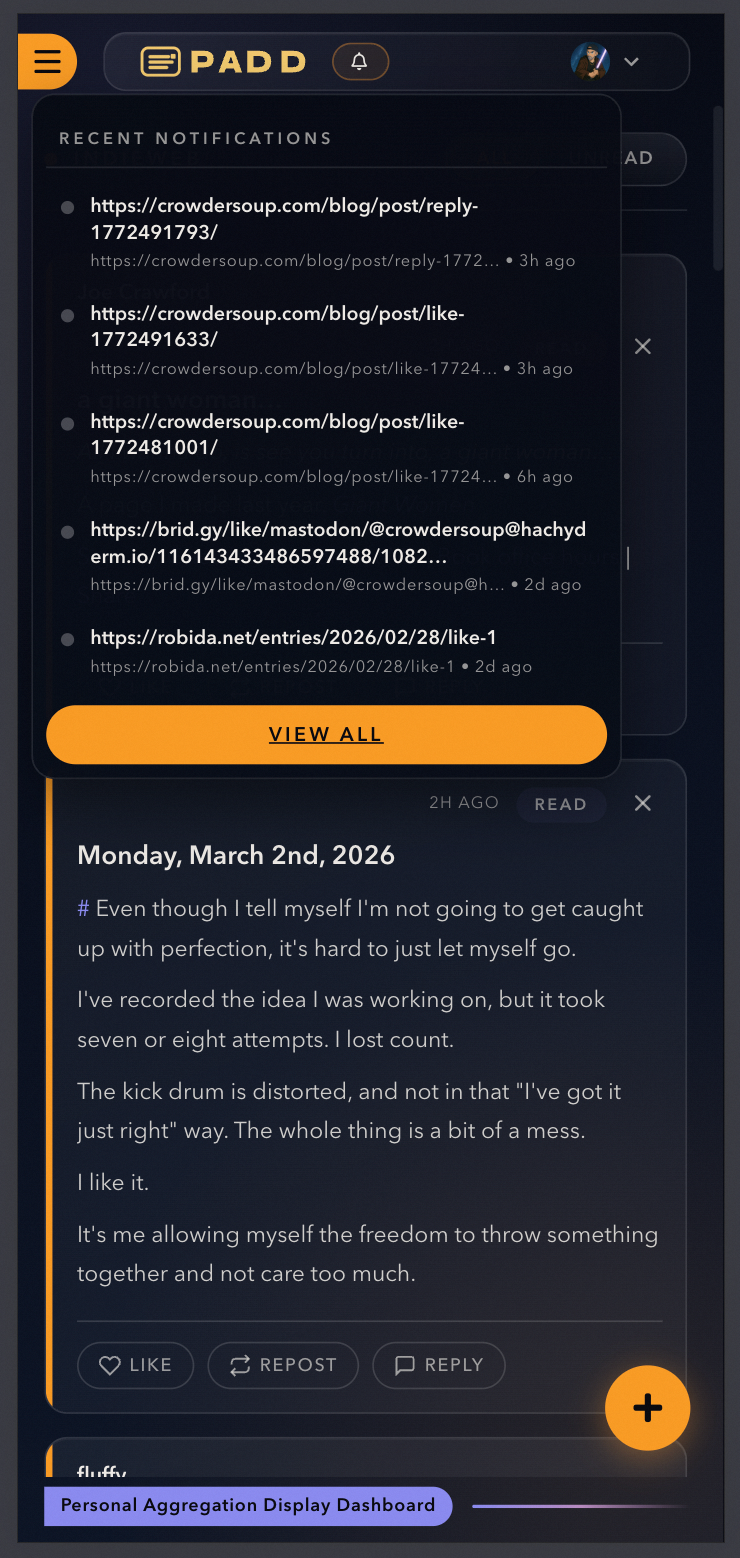
So... #PADD is getting "Notifications". If your microsub server has a notifications channel then PADD will automatically treat them as such!
I realized that part of the #Microsub spec calls for a notifications channel when I was adding a microsub server to my blog software. So naturally if my blog was going to publish it, I figured my reader should consume it naturally.
Seriously, I am having so much fun building this stuff.
Guess who was able to fix photo editing on their lunch break in PADD for iOS?? =D