Testing Shopify Webhooks Locally With shopify-webhook-faker
If you’ve ever built a Shopify app, you already know that webhooks are at the heart of the platform. Everything from orders and fulfillments to customers and subscriptions fires through them. But actually testing Shopify webhooks during development can be exhausting. You either need a publicly accessible HTTPS endpoint, a tunnel that loves to break at the worst possible moment, or a staging environment just to debug one handler. Triggering real events from the Shopify admin is slow, unreliable, and almost never produces the exact payload shape you need.
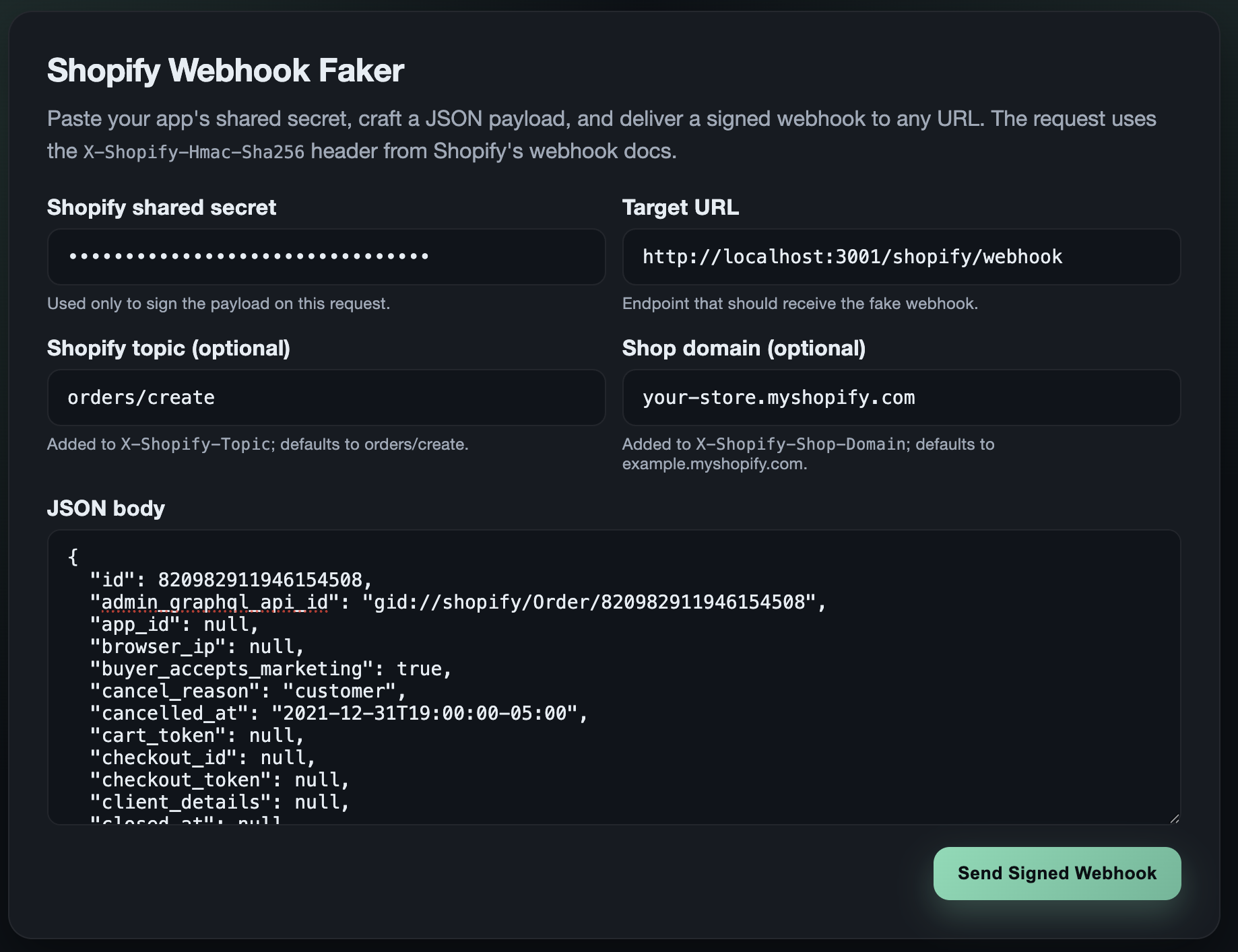
To solve that pain, I built shopify-webhook-faker. It’s a lightweight Go and HTMX tool that lets you create and send realistic, correctly signed Shopify webhooks directly to your local environment (or staging, or anywhere). It gives you instant, repeatable webhook testing without relying on Shopify’s infrastructure, and it makes verifying your HMAC logic and webhook workflows way easier.
Whether you’re building something brand new or debugging a gnarly edge case, this tool removes the friction so you can stay focused on development, not plumbing.
What the tool does
At a high level, shopify-webhook-faker gives you a clean UI to generate and send webhooks that behave exactly like the real ones Shopify sends.
It: - Lets you choose a webhook topic (like orders/create) - Lets you provide a shop domain to mimic real requests - Signs the payload using your Shopify app's shared secret - Sends the webhook to any URL you choose (local, ngrok, staging) - Shows the full downstream response from your app so you can debug faster
It’s not just “a POST request tool.” It mirrors Shopify’s webhook structure and signature method so your app can’t tell the difference.
Why this matters for Shopify development
Local Shopify development becomes way smoother when you can:
- Send webhooks instantly without triggering real store events
- Test signature verification (HMAC-SHA256) with realistic headers
- Craft your own payloads to test edge conditions
- Work offline or without a stable public URL
- Iterate quickly without redeploying to staging
This is especially helpful when you’re validating logic around order flows, subscription updates, or anything that depends on webhook timing or payload shape.
If you’ve ever waited on a real webhook to fire or tried to debug through a brittle tunnel, this tool will feel like a breath of fresh air.
Setup in under a minute
You can run shopify-webhook-faker two ways.
Option 1: Run it locally
Clone the repo, run it, and open http://localhost:8080.
You’ll see the UI immediately.
Option 2: Use Docker
There’s a Dockerfile included, so you can build and run it in a container.
Same result, same UI.
Either approach gets you testing webhooks fast.
How to send your first fake Shopify webhook
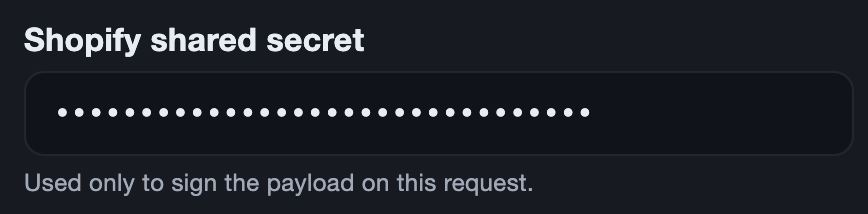
1. Enter your shared secret
Paste the shared secret from your Shopify app config. That’s what allows the tool to generate a valid HMAC signature.
2. Enter a target URL
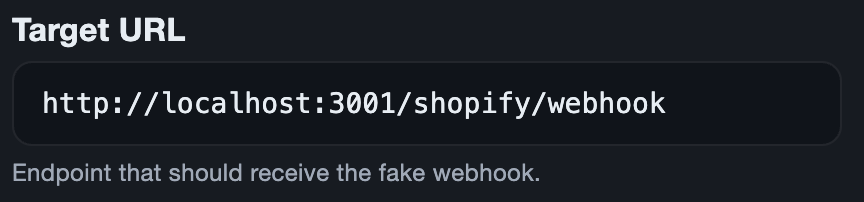
The target URL is where the webhook will be sent. If you're running the app directly (go run main.go) the it will probably be something like localhost:<PORT>.
3. Pick a webhook topic
Select a preset topic like orders/create, or type your own.

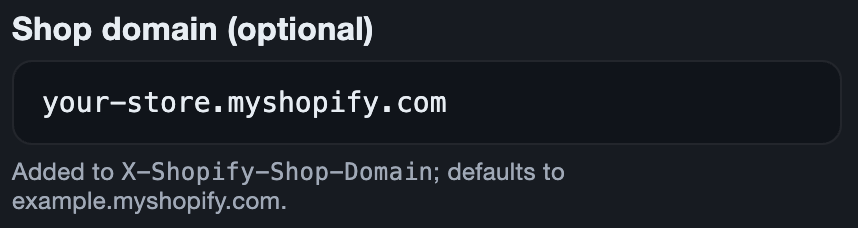
4. Add the shop domain
Use something like my-store.myshopify.com so your app sees a realistic request.
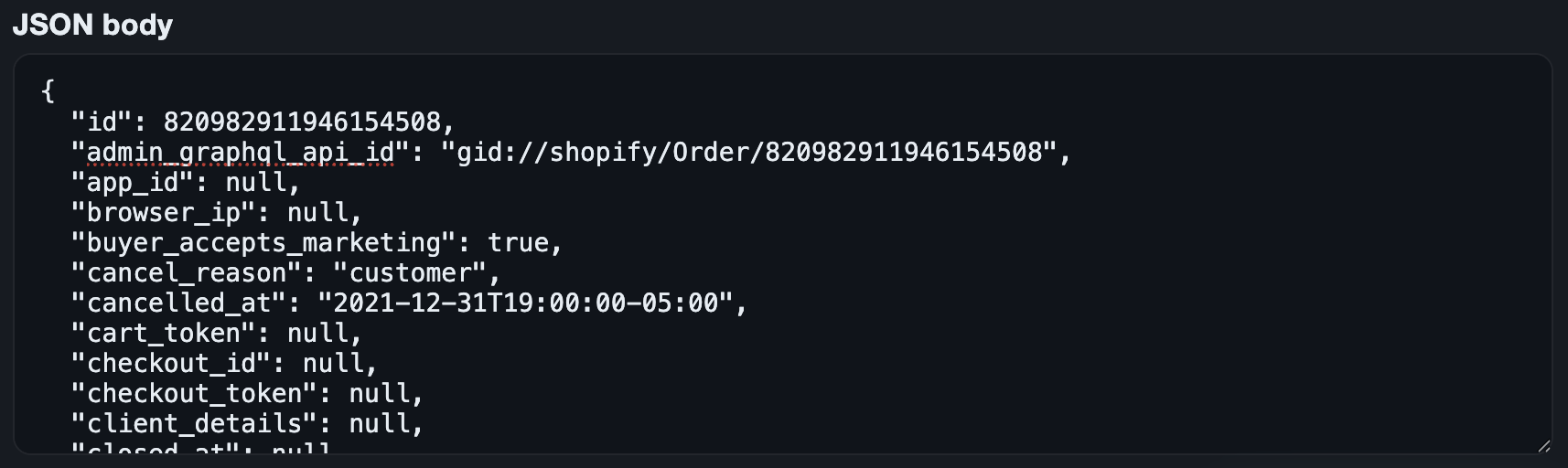
5. Provide a JSON payload
Paste a real Shopify payload or create your own to test edge cases.
5. Click “Send Signed Webhook”
The app sends a correctly signed webhook using the headers and signature Shopify would generate.
You’ll see the response from your app right on the page:
- HTTP status
- Response body
- Delivery success or failure
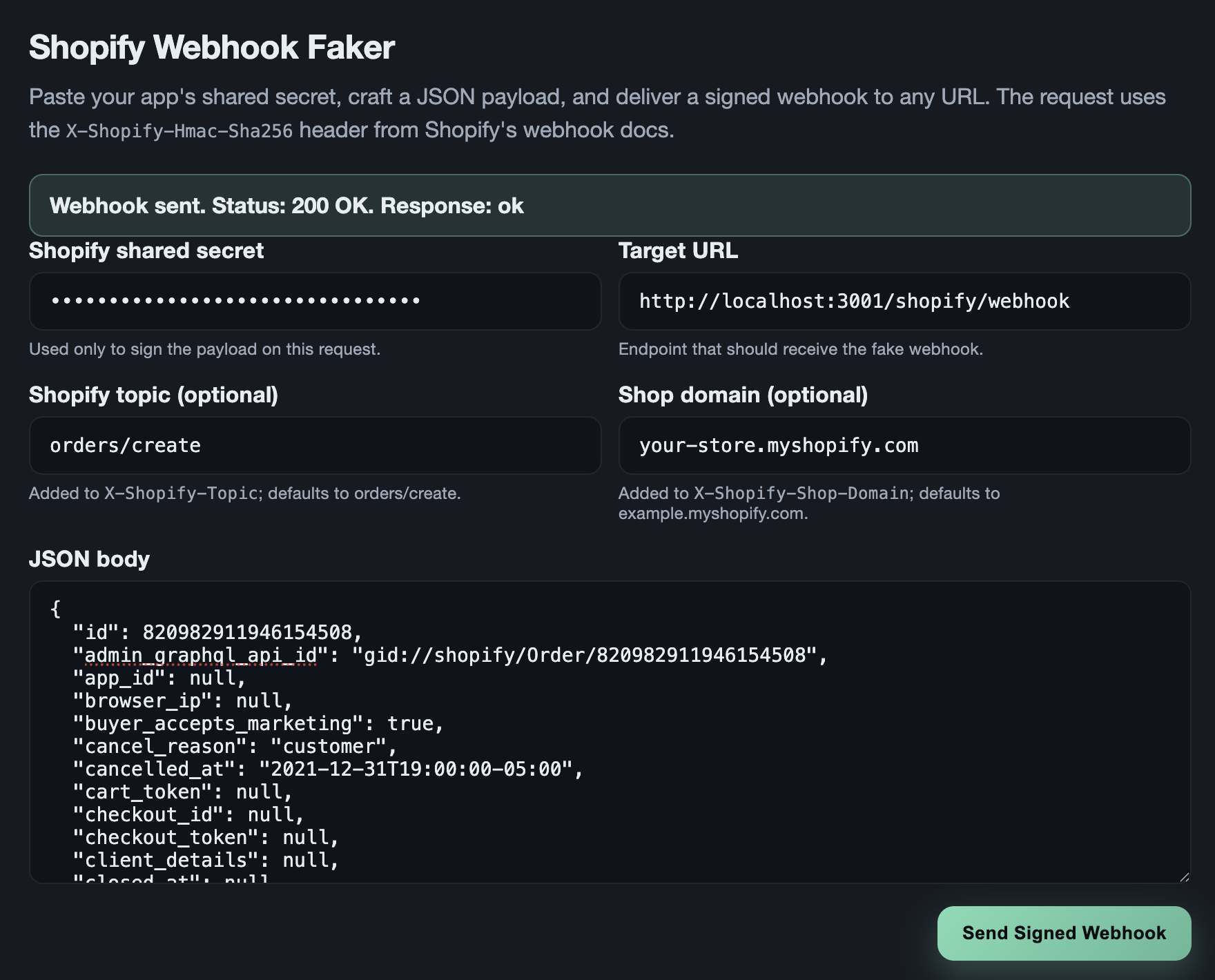
This quick loop lets you confirm your webhook logic behaves exactly how you expect.
When to reach for this tool
Use shopify-webhook-faker when you’re:
- Building or updating a webhook handler
- Verifying your HMAC logic is solid
- Debugging failures in dev or staging environments
- Testing payload variations or edge cases
- Working offline or without a public URL
- Running through quality assurance or load testing scenarios
If Shopify webhooks are part of your daily workflow, this tool becomes one of those “how did I ever work without it?” things.
Try it out
If you build Shopify apps, this tool will save you time, stress, and a ton of back-and-forth debugging. It makes local webhook testing predictable, repeatable, and way more enjoyable.
Grab it here:
👉 https://github.com/CrowderSoup/shopify-webhook-faker
And if you have ideas for features, improvements, or integrations, feel free to open an issue or send a PR. Happy webhook testing!
Comments
No comments yet.