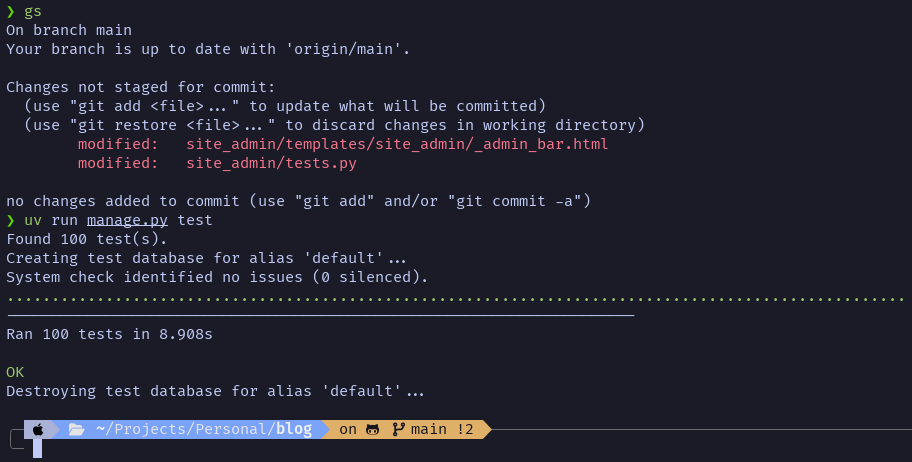
And just like that, one bug fixed, one test case created, and we have the 100th unit test for the software powering this blog 🎉
I'm implementing custom theme settings! This is something I had the idea for late one night last week. You define the settings you want in your theme's theme.json like this:
{
...
"settings": {
"fields": {
"accent_color": {
"type": "color",
"label": "Accent color",
"default": "#cc3f2e"
},
"background_color": {
"type": "color",
"label": "Background color",
"default": "#f8f4ef"
},
"max_width": {
"type": "string",
"label": "Layout max width",
"default": "72rem",
"help": "Used for the main content column."
}
},
"groups": [
{
"label": "Colors",
"fields": ["accent_color", "background_color"]
},
{
"label": "Layout",
"fields": ["max_width"]
}
]
}
}
The result is the UI you see above! Then they can be used your theme like this:
<style>
:root {
--accent: {{ theme.settings.accent_color|default:"#cc3f2e" }};
--bg: {{ theme.settings.background_color|default:"#f8f4ef" }};
}
</style>
This seems like a small feature but it gives users and theme devs a ton of flexibility! I'm exicted to someday see how people use it.
Today Azure and I went wandering around downtown St. George. We stumbled across this street art by Pepe Gaka and I had to take a picture to look up later.
Someday I'm going to finally build my app to map and tag street art!
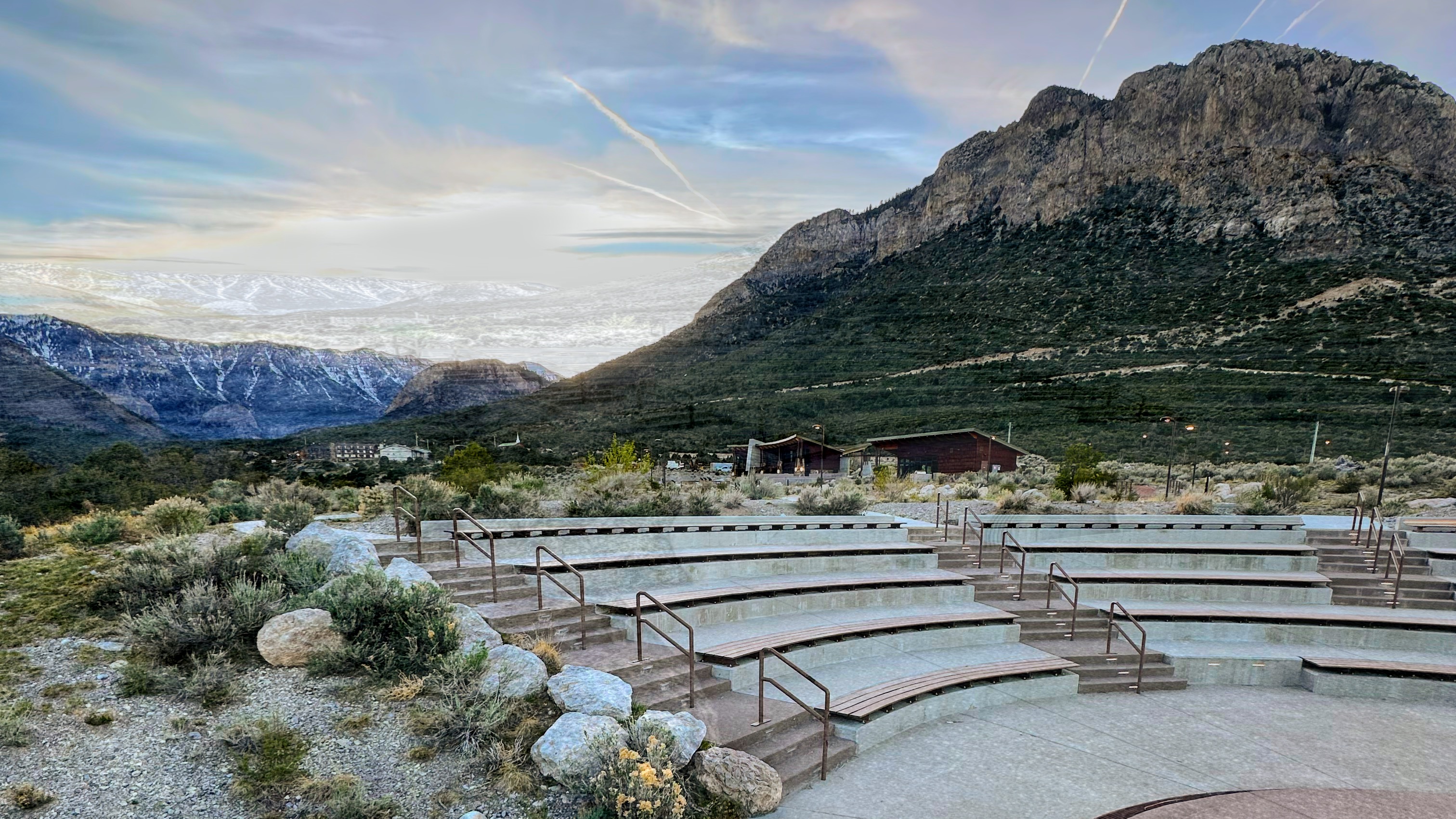
I'm making this a photo post because the photo slider got an upgrade.
Previously it was purely HTML/CSS which is fine. However, I decided to progresively enhance it with some simple JS to add some controls to make scrolling more smooth.
As a bonus I also added Open Graph data to every page. Now when you share links to my blog the link previews work!
Afternoon walks cannot be beat